
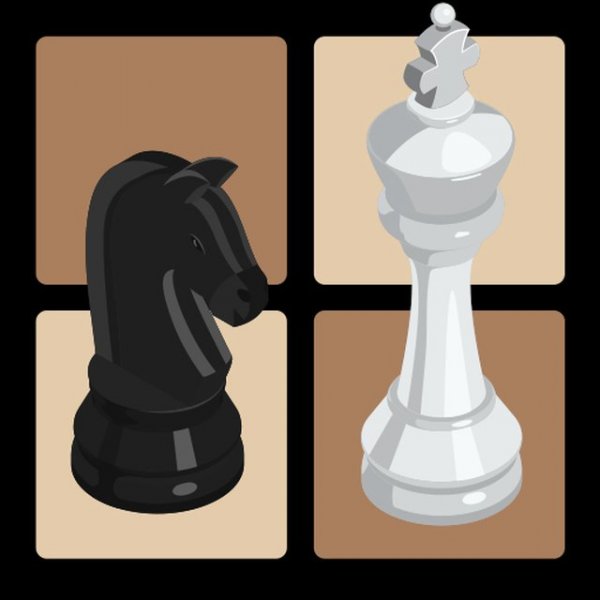
Match Setup and Player Choices
Classic Chess Match Game, developed by Skilli and released in January 2025, runs entirely in a browser as an HTML5 title. There is no download and no registration step. Before the first move, you decide two things that shape the session: whether the opponent is the computer or a person sitting beside you on the same device, and whether you play as white or black. Piece graphics can also be swapped between several style sets, so the board can match your preference without affecting how the game plays.
How a Turn Works
Interaction stays close to standard chess. Click a piece and the board highlights every legal square for that piece, which removes guesswork about pawn captures, knight jumps, or blocked bishops. You then click a destination to complete the move. Because the hints appear on demand rather than permanently, experienced players can ignore them and calculate on their own, while newcomers get a visual safety net. Standard chess rules remain intact, so castling, en passant, and promotion are governed by the same logic you would expect from a physical set.
Playing Against the Computer or a Friend
The two opponent options serve different needs. Facing the computer suits solo practice, quick breaks, or testing an opening without scheduling a partner. The local two-player mode turns one screen into a shared board, which works well for teaching a family member or settling a casual match in person. Neither mode requires an account, and the interface stays uncluttered so the board itself remains the focus. Full-screen support removes browser distractions during longer games.
Who Gets the Most From It
This is a family-friendly chess implementation rather than a training suite. The move hints make it approachable for beginners learning how pieces travel, and the clean layout keeps experienced players from fighting menus. Anyone wanting a fast browser match, a same-device game with a friend, or a low-friction way to introduce chess to someone new will find the feature set sufficient. [IMG_1]





Comments
0 comments