
Game Introduction
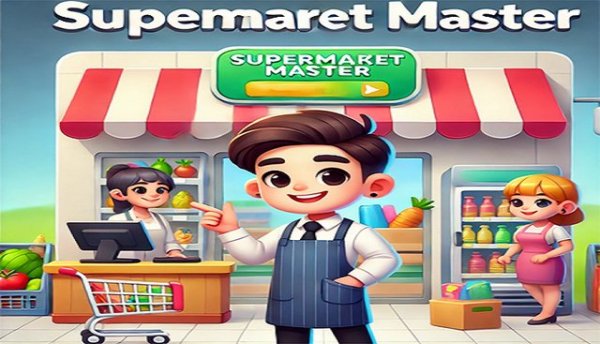
Retail Store Growth Simulator is a casual simulation game where you assume the role of a store manager. Your main goal is to transform a modest shop selling everyday items into a larger retail operation. The experience centers on business development and ensuring shoppers are happy with their visits. What sets this title apart is its focus on steady, incremental progress and the freedom to customize your store's path. There is no final destination; the journey is about constant improvement and building a commercial presence. The game offers a colorful setting where you can try various approaches to draw in more customers and boost earnings. It is designed for those who enjoy strategic planning without pressure, making it suitable for both newcomers and seasoned players of management games.
How to Play
Players start by overseeing a small market with a basic selection of products. The primary activity is assisting customers efficiently to generate income, which can then be put back into the business. To increase foot traffic, you can enhance the parking area and use local advertising. As your clientele grows, bringing on extra workers becomes important, and you can send them for training to improve their skills. Growing the store involves introducing new sections and offering a broader range of goods. There is no predetermined conclusion; you can keep developing your store indefinitely, focusing on long-term planning and fine-tuning operations.
Game Features
Key features include a progression system that begins with a small shop and allows for steady expansion. You can upgrade both the inside and outside of your store, including parking lots and promotional efforts. Staff management is a central element, with options to hire and develop employees. The game supports adding new departments, enabling you to provide a wider variety of products. There are no time constraints or fixed objectives, offering a sandbox-style experience for ongoing growth. The game is built for casual play, with straightforward mechanics that are easy to pick up but offer room for strategic thinking.
Tips for Success
Balance your spending between attracting new customers and increasing your store's capacity. Early on, focus on parking lot upgrades and advertising to build a steady visitor base. Hire staff as your workload increases and invest in their training to keep service levels high. Add new departments gradually to avoid stretching your resources too thin. Keep an eye on customer traffic and adjust your plans to ensure smooth operations. Patience and regular reinvestment are the keys to lasting success.





Comments
0 comments