
Healing Process and Core Activities
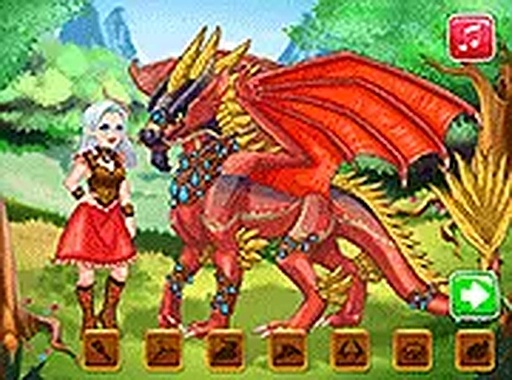
The main gameplay focuses on a series of nurturing steps. Players first select appropriate tools to clean the dragon's injuries. After cleaning, they carefully apply bandages to the affected areas. A special potion is then used to complete the healing. Once the dragon is healthy, players choose from different foods to restore its energy. Each action is guided by clear visual cues, making it easy for young players to follow along.
Creative Dress-Up Phase
After the dragon is fully healed, the game transitions to a dress-up segment for the main character. Players can select different outfits, hairstyles, and accessories. This phase encourages personal expression and allows children to experiment with various looks. The options are colorful and age-appropriate, providing a lighthearted break from the care routine.
Dragon Customization Tools
The final creative phase lets players design their own dragon. They can choose from a range of colors, patterns, wing styles, and decorative elements. This toolset is intuitive and designed for young hands, with simple click or tap controls. The combination of choices means each dragon can look unique, rewarding creativity and experimentation.
Accessibility and Technical Design
The game runs directly in a web browser without any downloads or installations. It is free to play and works on both desktop and touchscreen devices. The controls are straightforward, relying on mouse clicks or finger taps. This makes the game accessible to children of various ages and technical skill levels.





Comments
0 comments