
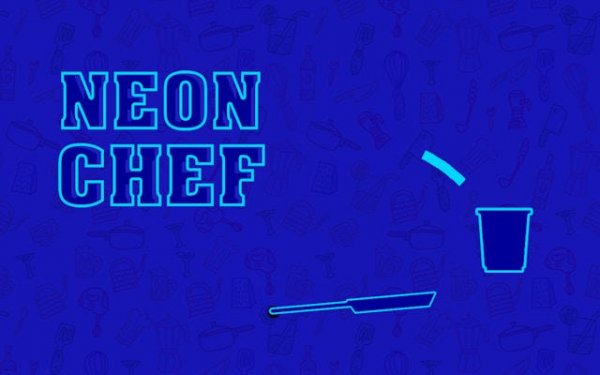
Neon Chef Fast Food Frenzy
Arcade
Fun
Cooking
Hyper Casual
Skill
Advertisement
Faq
Is Neon Chef free to play?
Many arcade games of this type are free to play, often with optional ads or in-game purchases. While the exact pricing model is not specified, the game is likely accessible without upfront payment. Check the game's page for details on any optional features.
Can I play Neon Chef on my mobile phone?
Yes, as an HTML5 game, Neon Chef is optimized for smooth performance on any device with a web browser, including smartphones and tablets. This means you can enjoy the fast-paced cooking action on the go without needing to download any app.
Does Neon Chef have different difficulty levels?
The game features a progressive difficulty curve, meaning it naturally becomes harder as you advance. Ingredients fall faster and patterns become more complex, so there is no need for separate difficulty settings. The challenge increases gradually to keep you engaged.
What happens if I drop a food item?
Dropping a food item likely results in a missed opportunity to earn points. To maximize your score, you need to catch every item and process it accurately. The game emphasizes precision, so even small mistakes can affect your multiplier and final score.
Is there a way to save my progress in Neon Chef?
As a typical arcade game, progress may be saved automatically through browser storage or a player account if available. However, specific save features are not detailed. For the best experience, play in a consistent browser and check the game's settings for any save options.
Can I play Neon Chef offline?
Neon Chef is an online arcade game, so an internet connection is likely required to access the leaderboard and possibly to play. Some HTML5 games may offer limited offline functionality after initial load, but the full experience is designed for online play.








Leave a Review