
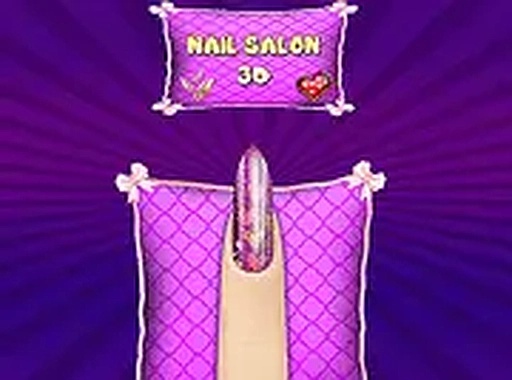
Salon Setup & Client Choices
When you begin, the waiting area presents several characters, each with a distinct preference. Selecting one reveals their hand, and your first task is to choose a nail shape that suits their fingers. Options range from rounded to squared, allowing for subtle differences in appearance. This initial step sets the foundation for the entire design process.
Color Selection & Application
After the shape is set, a color wheel appears with many shades. You can pick a single hue or combine multiple colors across different nails. Applying the polish requires clicking on each nail individually, which gives you control over the final look. The interface responds smoothly, making the application feel precise.
Decorative Details & Effects
The creative phase begins when you add patterns. Glitter, glossy finishes, and stickers are available to layer over the base color. You can mix different effects on each finger, creating asymmetry or a coordinated theme. Experimenting with these elements is encouraged, as the game provides no penalties for trying unusual combinations.
Client Feedback & Progression
Once a design is complete, the character reacts with visible delight. Their expression changes based on the choices made, offering gentle feedback. After they leave, the next client arrives, maintaining a steady but relaxed pace. There is no timer or score, so you can spend as much time as needed on each creation.
Atmosphere & Accessibility
The salon environment uses bright colors and cheerful music to create a welcoming mood. Controls rely on simple mouse clicks, making the game accessible to players of all ages. The lack of complex menus or instructions means you can start designing immediately without a learning curve.




Comments
0 comments